Skip to content
ChangeGuard

Customs brokers, trade compliance teams and importers

Tariff and customs change monitoring: Know when a tariff, a duty or CBP's guidance for importers changes.

Duties change by proclamation, and CBP's instructions for importers can come out before the Federal Register prints the notice. A missed message means the wrong rate on the next entry.

Watch the pages where CBP, USTR and Commerce post tariff actions, and get each new message with a summary of what it changes.

Free for 5 pages. No card needed.

Why it matters

On Friday, August 15, 2025, at 7:26 p.m., CBP sent importers two CSMS messages: from 12:01 a.m. on Monday, duties of up to 50% would apply to the steel and aluminum in goods under 407 more tariff codes. The Commerce notice was put up for public view that Friday, but it was printed in the Federal Register on Tuesday, August 19, the day after the duties began.

Source: CBP CSMS #65936570, August 15, 2025 (opens the page in a new tab)

What a check caught

U.S. Customs and Border Protection · Trade Remedies (opens the page in a new tab)

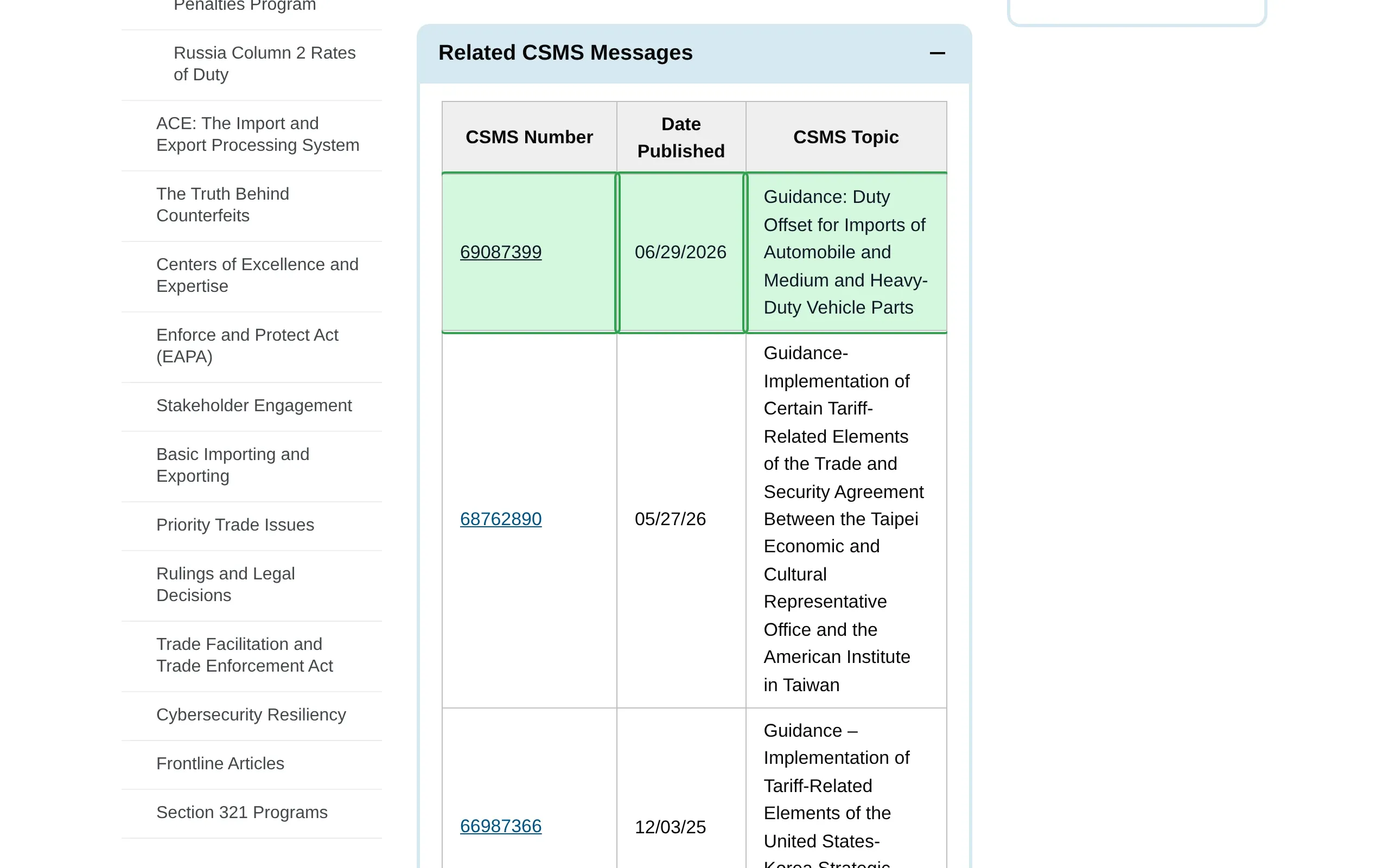
New CBP guidance on duty offsets for vehicle parts.

CBP's CSMS messages tell importers what to declare under a new duty, and on this page they come out a day before the Federal Register notice for the same action.

How ChangeGuard helped

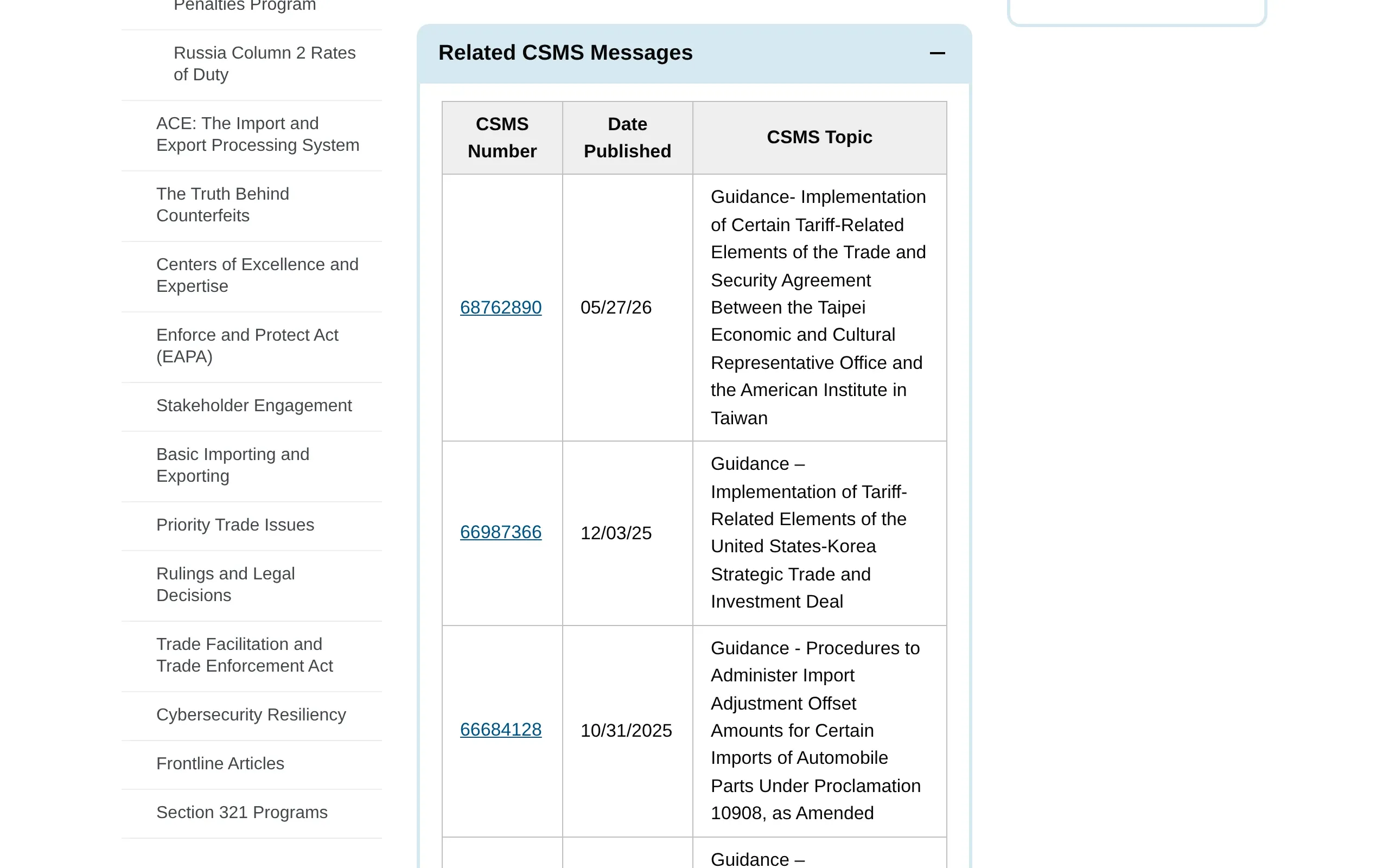
  • Comparison. One row was added to a table of CSMS messages: the message's number, its date and its topic. The comparison marked that row, on a page of fourteen such tables.
  • Keywords. Watched for “automobile” and “Section 232”. The new message is about automobile parts, so it was flagged; while keywords are set, a message that mentions neither stays quiet.
  • AI summary. Gives the message's number and topic, so a customs broker knows which entries it touches before opening CBP's page.
A new CSMS message, 69087399, was posted on June 29, 2026: “Guidance: Duty Offset for Imports of Automobile and Medium and Heavy-Duty Vehicle Parts”. It heads the Section 232 automobiles and auto parts table; the older messages moved down one row. Drag the divider to see the previous version.

What ChangeGuard does

  • Watch CBP's trade remedies page with “Open collapsed sections” on, so a new CSMS message shows as a new row with its number, date and topic.
  • Every change comes with a summary and a rating, so new guidance on a duty comes before a fixed link.
  • Keywords such as “Section 232”, “9903” or a product you import flag only the changes you work on.
  • New PDFs a page links to, such as a proclamation's annex, appear in one list with their titles and dates.

Start on Starter , $39 a month, for up to three people; Team when more share the queue.

Pages worth watching

Topics

Start with pages someone already picked.

A topic lists the public pages on this subject, each one checked by us, with the words that cause noise left out. Look at its pages in the app, pick the ones you want, and change anything after you add them.

Tariffs and customs

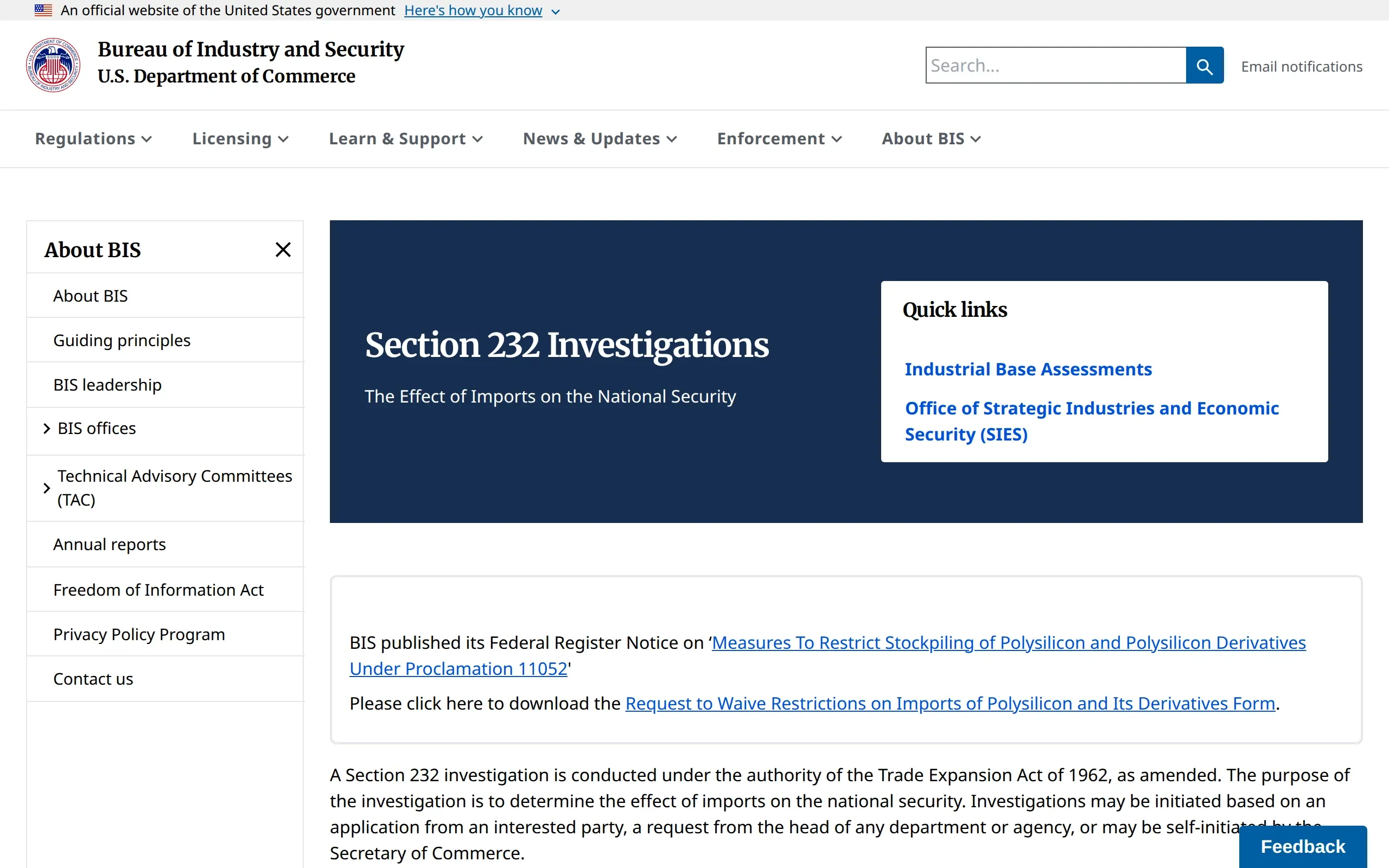
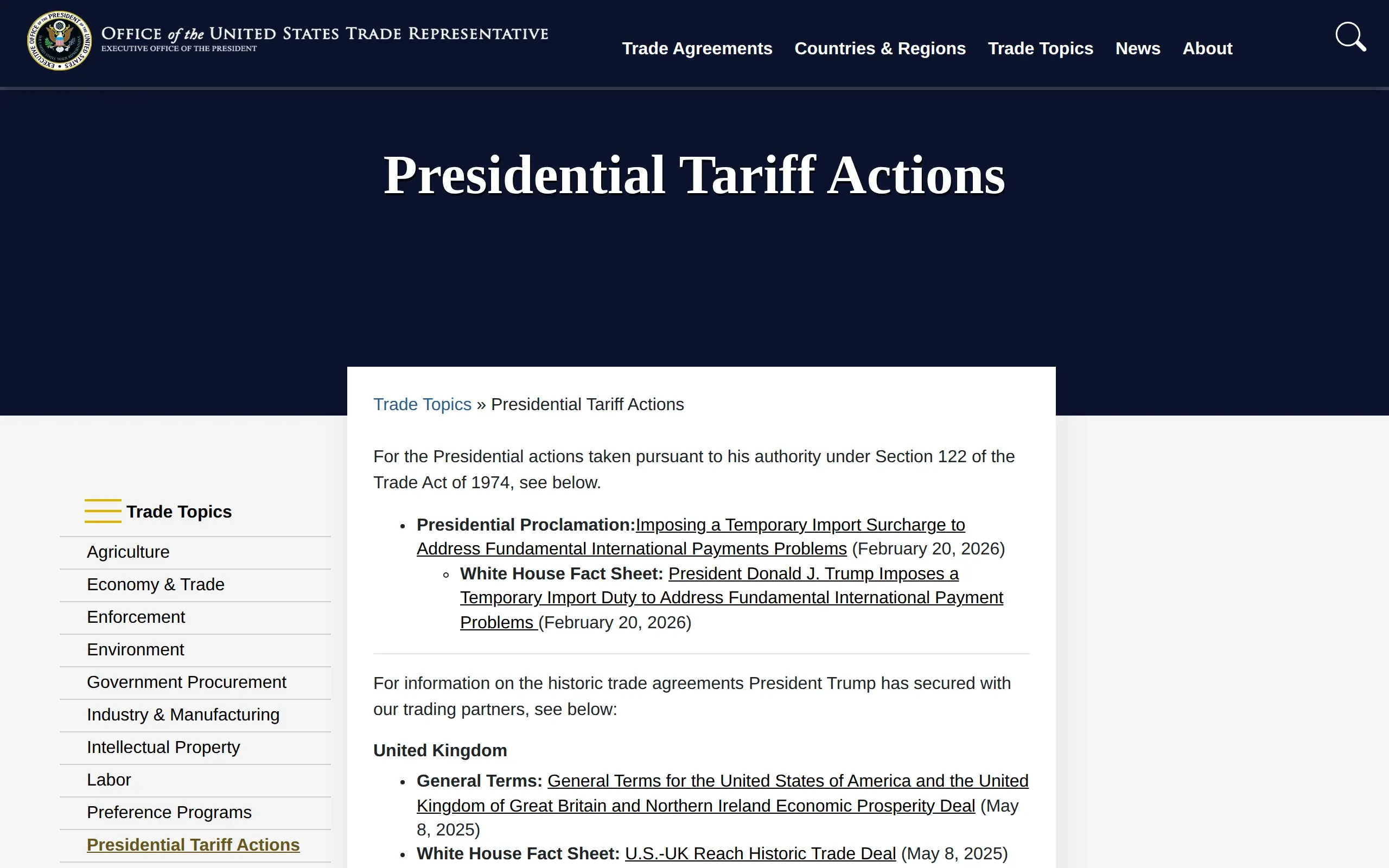
CBP's trade remedies and CSMS messages, USTR's tariff actions, the Section 232 and 301 investigations and the Customs Bulletin.

12 pages checked daily with Team and up

See the whole list

Leaves out changes that only mention “scheduled maintenance”, “scheduled outage”, “CERT environment”, “webinar”.

To hear only about what matters to you, add keywords such as “Section 232”, “Section 301”, “IEEPA”, “9903”, “de minimis”.

See the Team plan

Topics come with Team and up: pick the pages you want in the app and add them to a new set or one you have. On Team already? Open this topic

See every topic No topic for your subject yet? Ask for a topic

Questions

Questions people ask

Can it watch CBP's CSMS messages?

Yes. CBP lists its tariff CSMS messages in tables on its trade remedies page. Watch that page with “Open collapsed sections” on, and each new message arrives as a new row with its number, date and topic.

Does it say which goods a change affects?

The summary says what the new message or notice covers, in a sentence or two. The details stay on the agency's page, which the change links to.

Does it read the annexes in PDFs?

It lists each new PDF with its title and the date it was first seen. It does not read what is written inside the PDF.

How often does it check?

Once a day on the Free plan. From Starter up, a page can be checked as often as every hour.

Other use cases

Your first five pages, free.

Create an account, add the pages you already check by hand, and run the first check yourself.