Skip to content
ChangeGuard

Government affairs teams, trade associations and companies regulated in many states

Federal and state register monitoring: Catch proposed rules while there is still time to comment.

Rules are proposed every week in the Federal Register, in each state's register and at city hall, and the time to comment starts the day they are published.

Watch each register's latest issue and each city's proposed rules, with every new one summed up.

Free for 5 pages. No card needed.

Why it matters

Texas law says an agency must give at least 30 days' notice before it adopts a rule. The notice runs in the weekly Texas Register. On October 16, 2026, the Register printed the Comptroller's plan to change sales tax rules for data processing. Comments are due within 30 days, and the rule can be adopted as soon as November 15. Find it two weeks late, and about half the time is gone.

Source: Texas Register, October 16, 2026 (opens the page in a new tab)

What a check caught

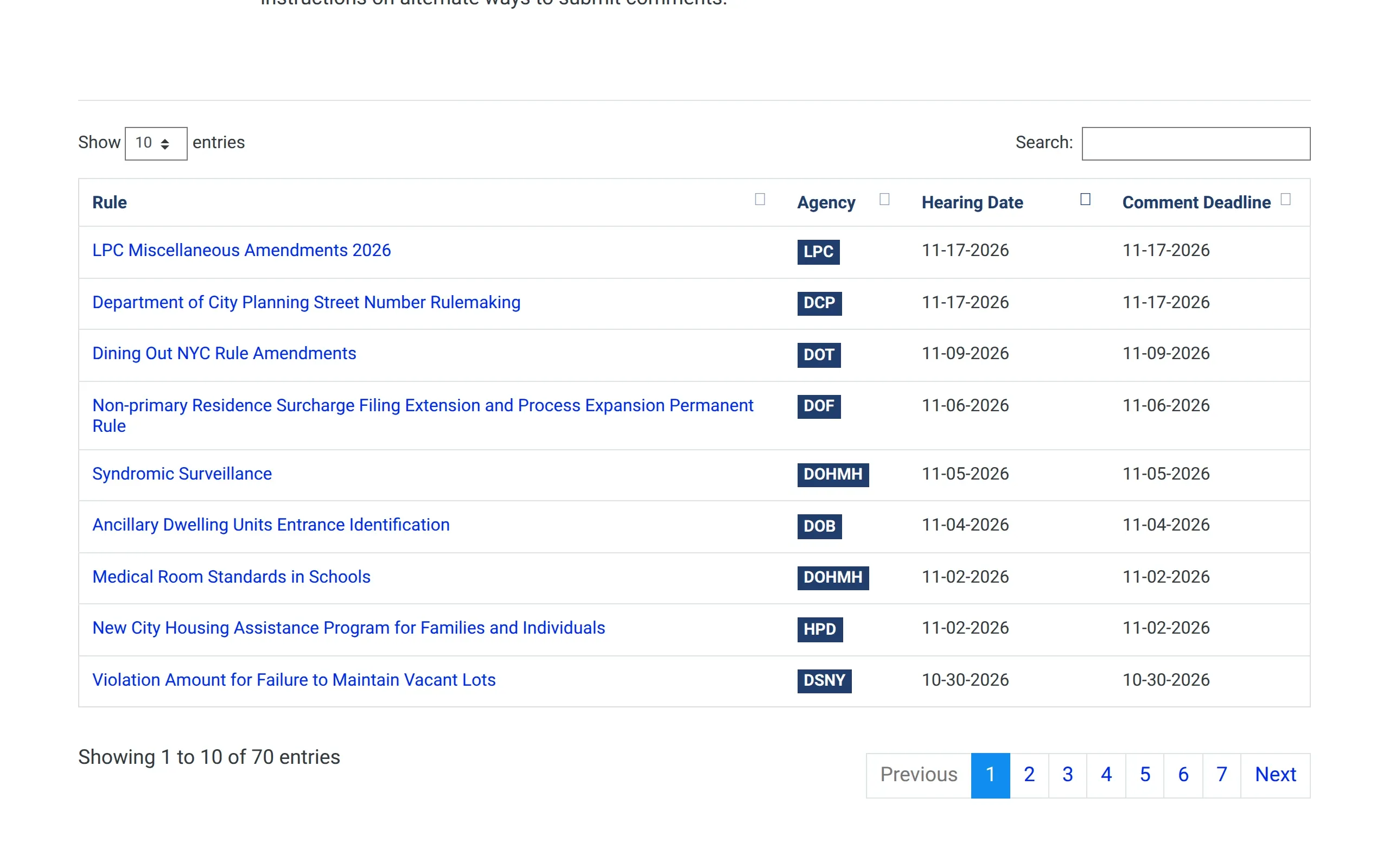
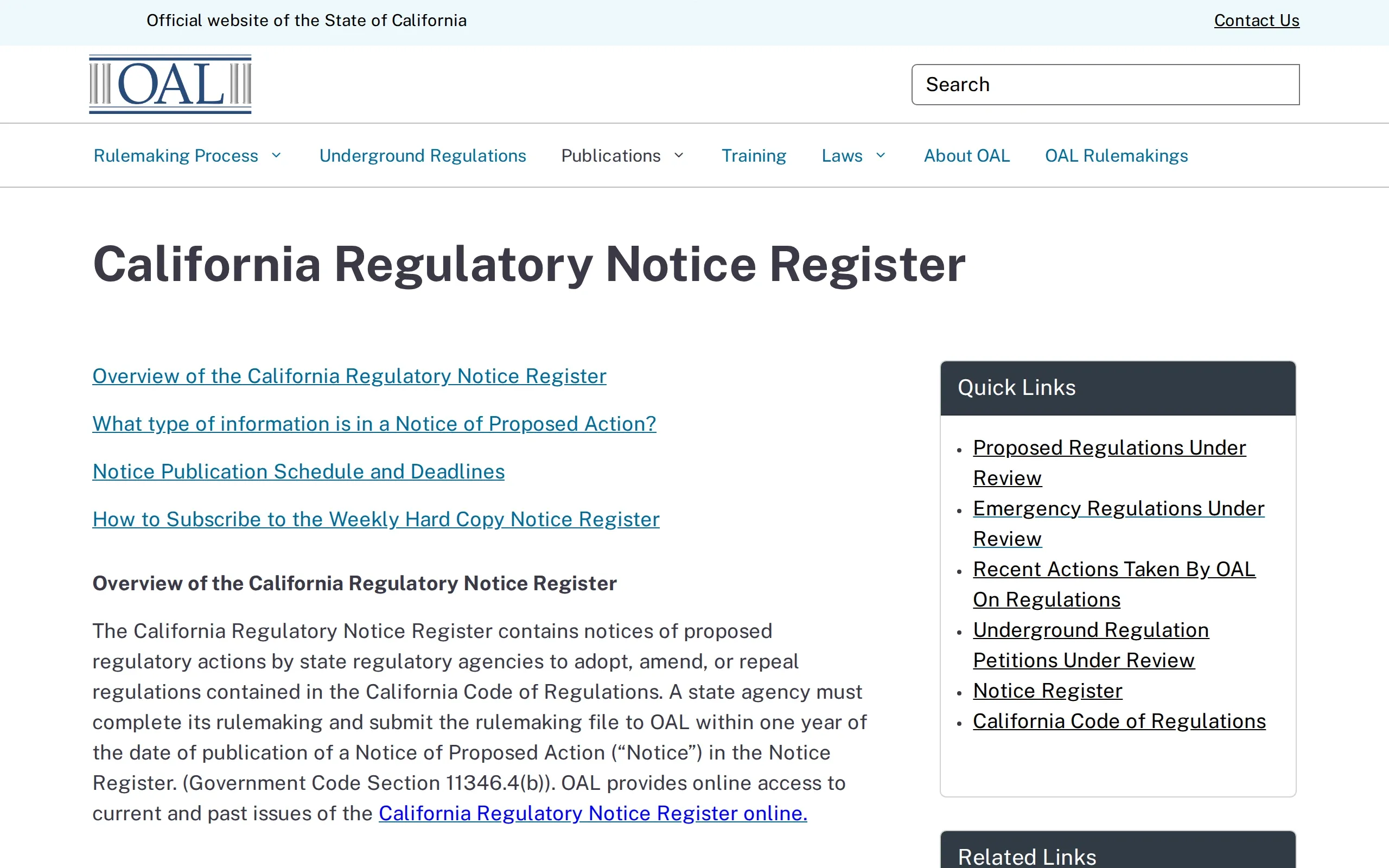
City of New York · Proposed Rules (opens the page in a new tab)

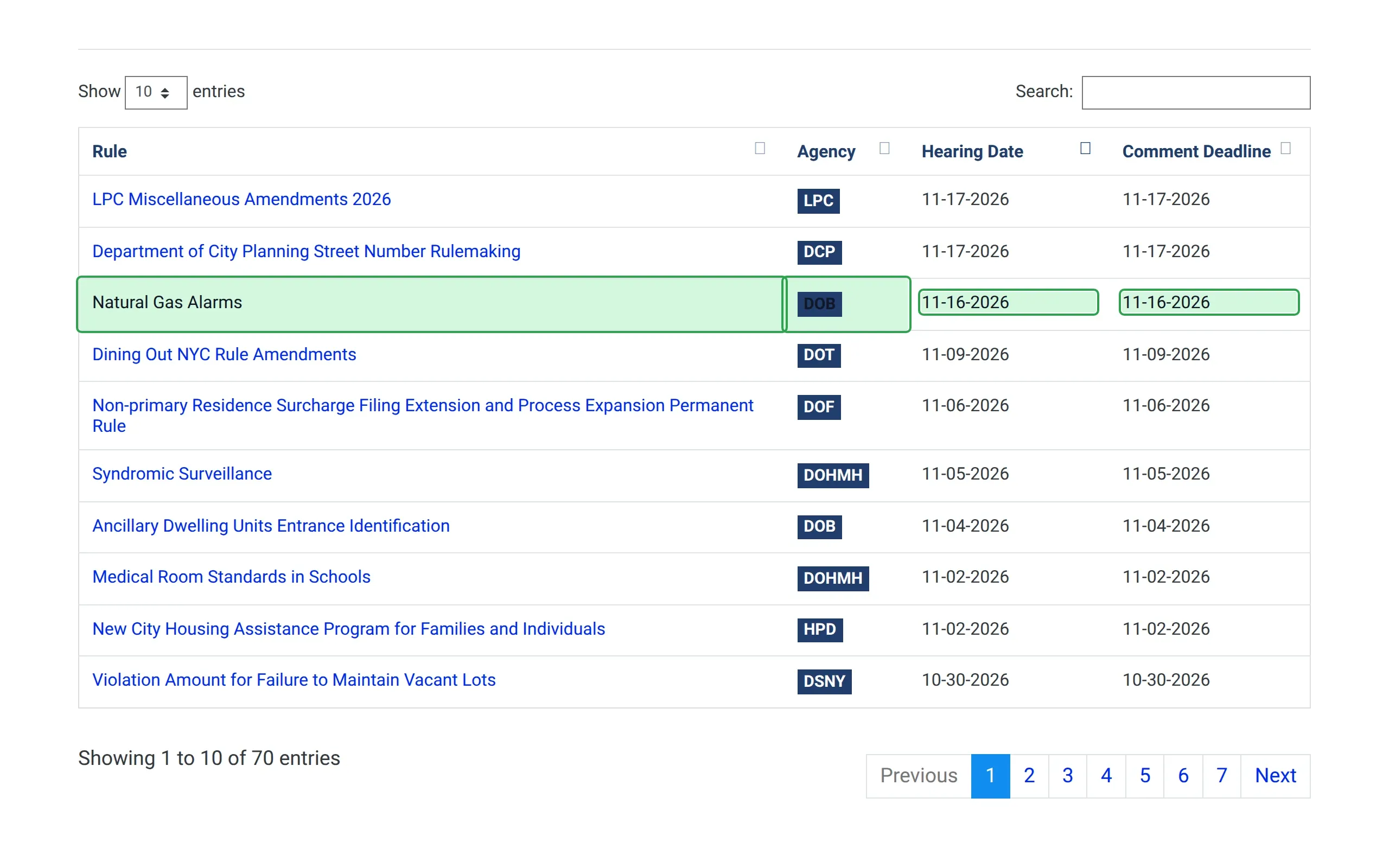
A new proposed rule on natural gas alarms.

It sets how residential buildings install the gas alarms they need by January 1, 2027, and comments close on November 16.

How ChangeGuard helped

  • Comparison. One new row among the city's proposed rules, marked from the rule's name to its comment deadline. The rows below it shifting down are not reported.
  • Keywords. Watched for “alarm” and “DOB”, the Department of Buildings, so a new rule from another agency only reaches you if it mentions one of them.
  • AI summary. Names the agency, the rule and the hearing date, November 16, which is also the last day for comments.
The Department of Buildings proposed a rule, “Natural Gas Alarms”. Its public hearing is on November 16, 2026, the day comments close. Drag the divider to see the previous version.

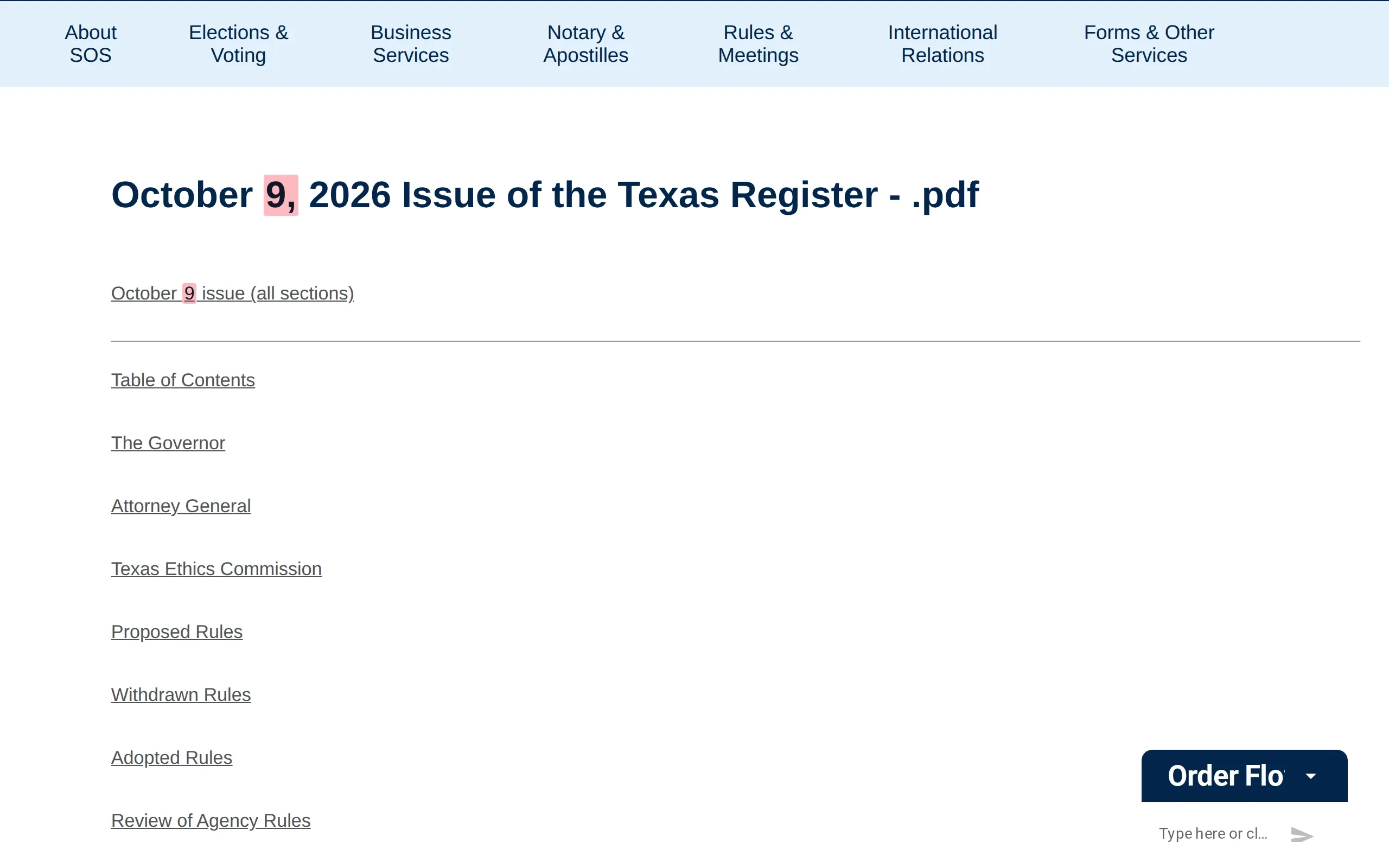
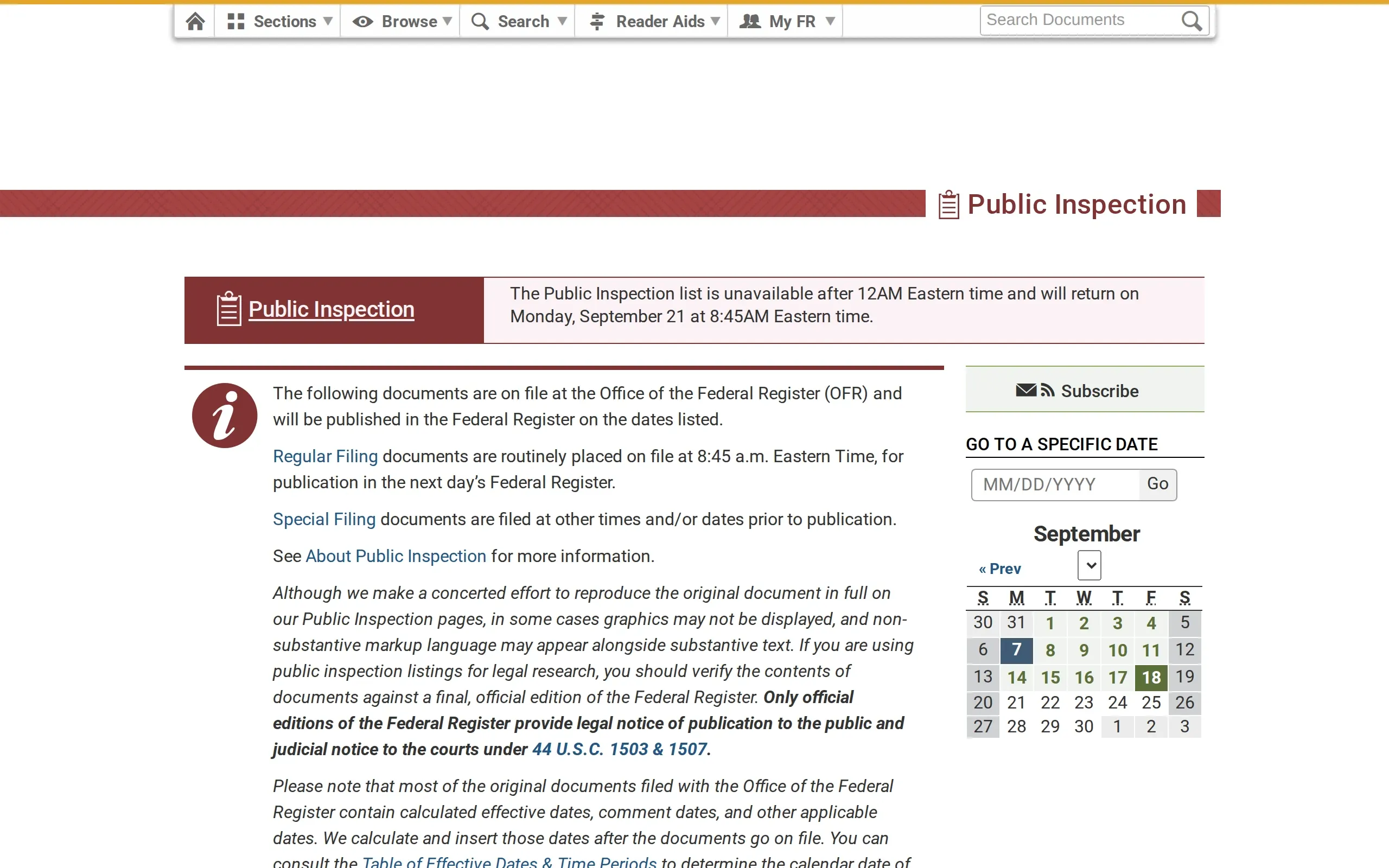
Texas Secretary of State · Texas Register · Current issue (PDF) (opens the page in a new tab)

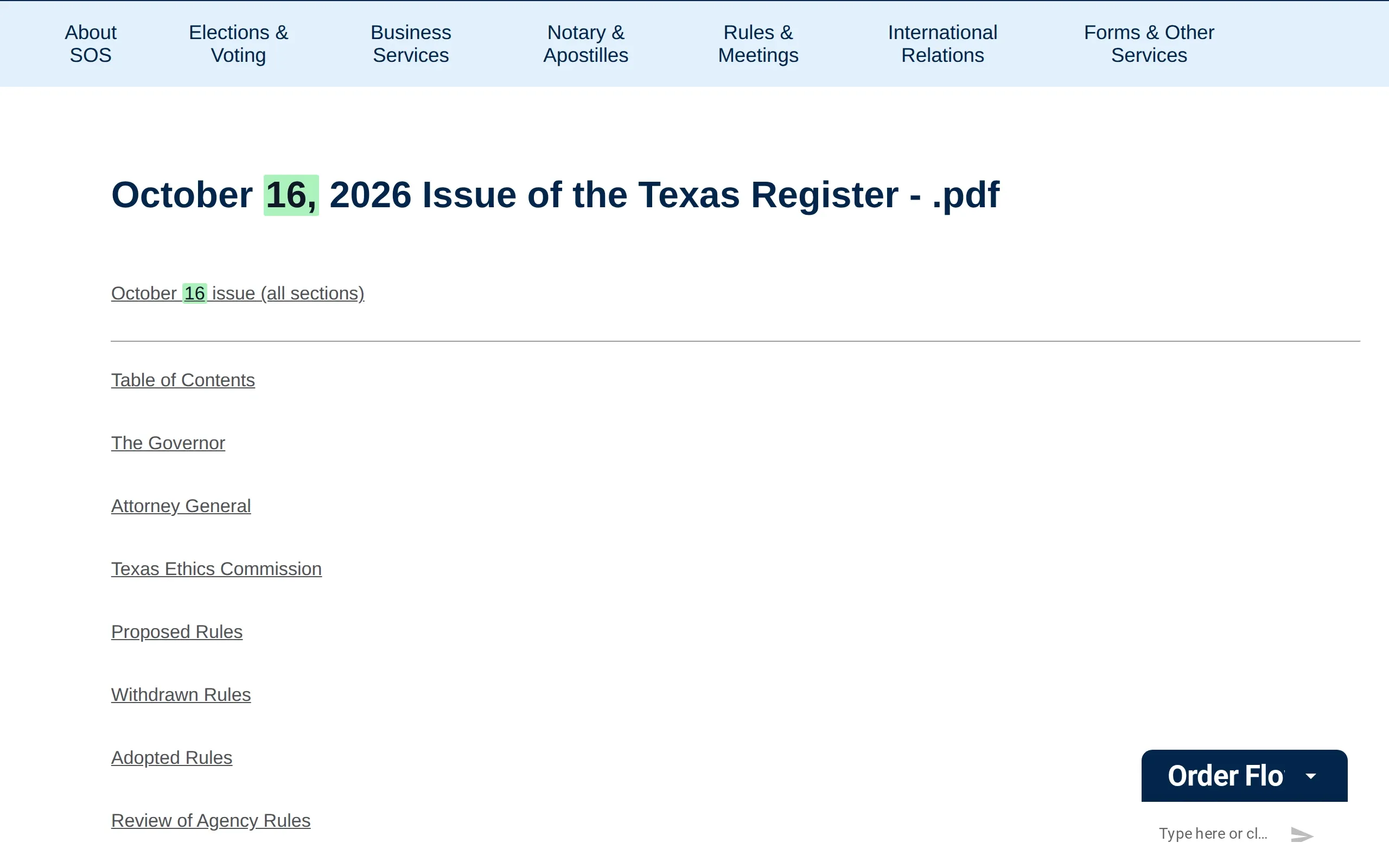
A new issue of the Texas Register, in ten PDFs.

State agencies propose their rules in it, and the time to comment counts from the issue's date.

How ChangeGuard helped

  • Documents. The ten new PDFs, the whole issue and each of its sections, are listed by title with the day they were first seen, so you can open Proposed Rules straight from the list.
  • Comparison. The heading and the first link change each week, and both are marked, so a new issue shows at a glance on a page that otherwise looks the same.
  • AI summary. Gives the issue's date and the sections it holds, so you know a new batch of proposed rules is waiting.
The October 16, 2026 issue of the Texas Register was posted: ten PDFs, the whole issue and each of its sections, among them Proposed Rules and Adopted Rules. The October 9 files are no longer listed. Drag the divider to see the previous version.

What ChangeGuard does

  • One set per register or city, checked daily or hourly, with a round-up in your inbox each morning.
  • Every new issue or proposed rule comes with a summary and a rating, so the ones that need a comment stand out.
  • Keywords for your industry, an agency or a statute, so only the rules that mention them are flagged.
  • Every check spots the new PDFs, Word documents and Excel spreadsheets a page links to, with their titles and dates.
  • Past versions of the page are kept, so you can show when a notice first appeared.

Start on Team , $149 a month, for 400 pages and up to three workspaces.

Pages worth watching

Topics

Start with pages someone already picked.

A topic lists the public pages on this subject, each one checked by us, with the words that cause noise left out. Look at its pages in the app, pick the ones you want, and change anything after you add them.

State registers

State registers and rulemaking bulletins, each at the page that shows its latest issue, largest states first. Pages for 41 of 51 (the 50 states and DC); the others publish nothing a daily check can read.

41 pages checked daily with Team and up

See the whole list

Leaves out changes that only mention “early voting”, “holiday schedule”.

To hear only about what matters to you, add keywords such as “proposed rule”, “emergency rule”, “public hearing”, “comment period”, “effective date”.

See the Team plan

Topics come with Team and up: pick the pages you want in the app and add them to a new set or one you have. On Team already? Open this topic

Federal rulemaking

The rules on their way: those under review at OIRA, the Federal Register's significant proposed and final rules, the proposed rules of every cabinet department and the main independent agencies, the Unified Agenda and the eCFR's recent changes.

31 pages checked daily with Team and up

See the whole list

Leaves out changes that only mention “Sunshine Act”, “Agency Information Collection Activities”, “scheduled maintenance”.

To hear only about what matters to you, add keywords such as “proposed rule”, “interim final rule”, “comment period”, “effective date”, “executive order”.

See the Team plan

Topics come with Team and up: pick the pages you want in the app and add them to a new set or one you have. On Team already? Open this topic

See every topic No topic for your subject yet? Ask for a topic

Questions

Questions people ask

Which registers can it watch?

Any register with a public page: the Federal Register, a state's register or bulletin, a city's proposed rules. Watch the page that shows the latest issue, and each new issue arrives as a change.

Can I get Federal Register alerts for a topic?

Yes. Search the Federal Register for your topic, with the newest documents first, and watch the page of results. New documents that match arrive as a change with a short summary, next to the state registers you watch.

Can it pick out the rules that affect us?

Add keywords, such as an agency, a program or a topic, and only changes that mention one are flagged and sent. Keywords match the page's text and the names of new documents.

Does it read inside each issue's PDF?

It lists each new PDF with its title and the date it was first seen, so you open the right one. It does not read what is written inside the PDF.

How soon will I hear about a new issue?

On the schedule you choose: once a day on the Free plan, or as often as every hour on paid plans. A page that cannot wait can send an email for each change.

Other use cases

Your first five pages, free.

Create an account, add the pages you already check by hand, and run the first check yourself.