Skip to content
ChangeGuard

Legal teams, contract managers and privacy officers

Terms of service and contract monitoring: Know when a vendor rewrites the terms you agreed to.

The terms you agreed to are a web page the other side can edit. Service terms, privacy policies and data processing addenda move quietly.

The old and new wording side by side, the changed clause quoted in the email, and earlier versions to compare with.

Free for 5 pages. No card needed.

Why it matters

Zoom's terms of service dated March 31, 2023, let it use customer content for “machine learning, artificial intelligence, training, testing.” The clause sat in the terms for about four months. Then a blog post drew attention to it on August 6. Within five days, Zoom changed its terms twice, to say it does not use customers' audio, video or chat to train AI models.

Source: Zoom's blog, August 7, 2023 (archived copy) (opens the page in a new tab)

What a check caught

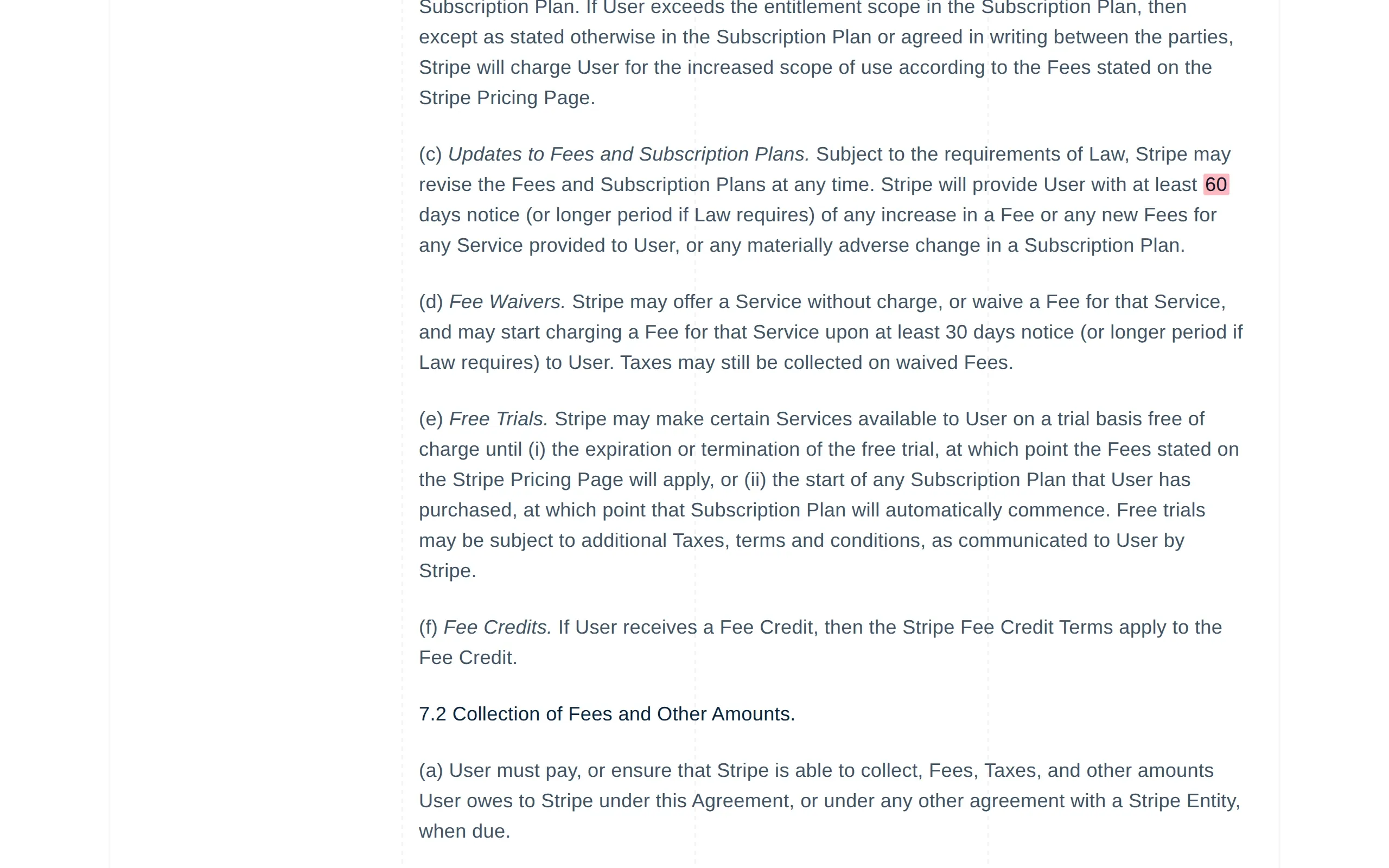
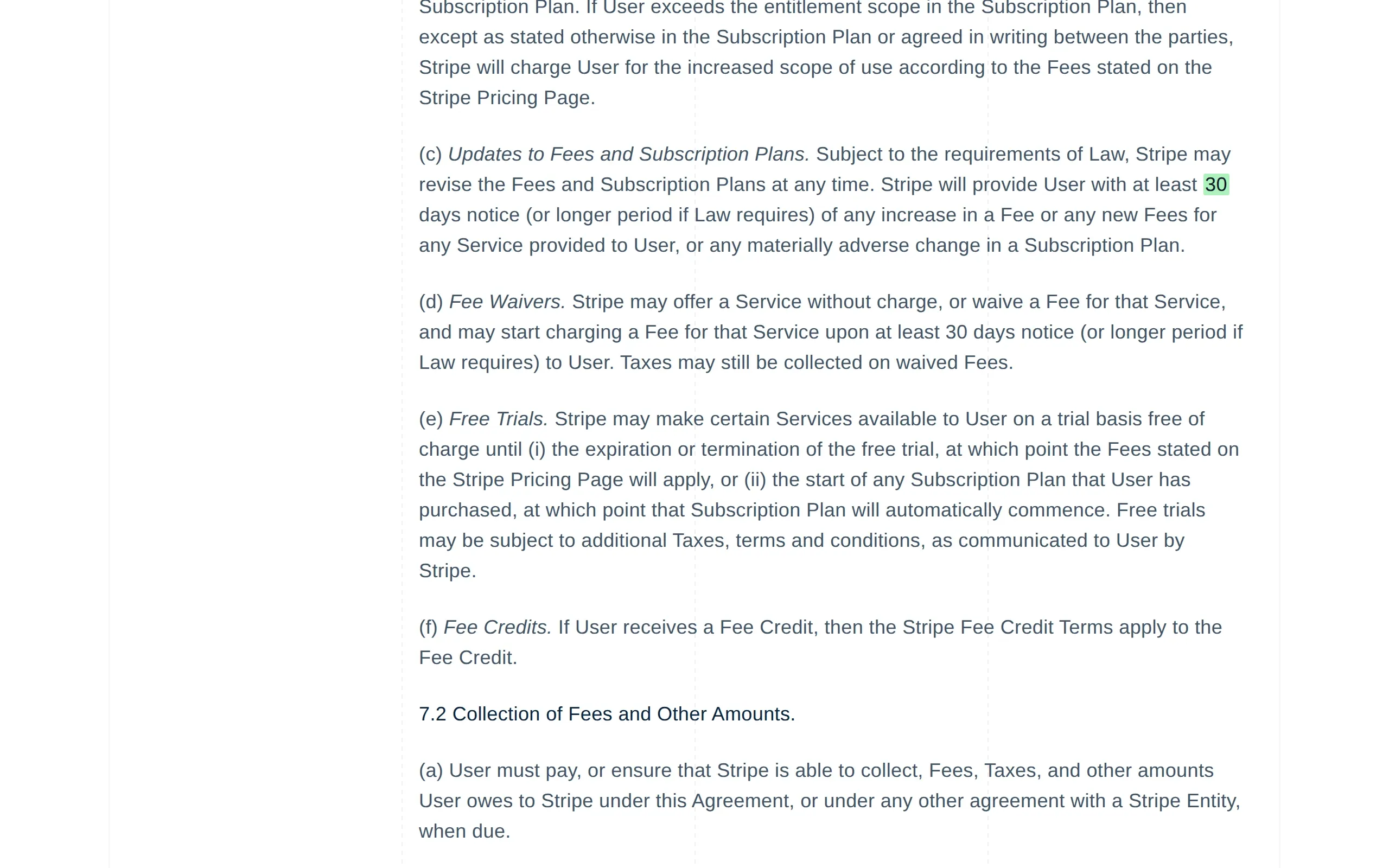
Stripe · Stripe Services Agreement (opens the page in a new tab)

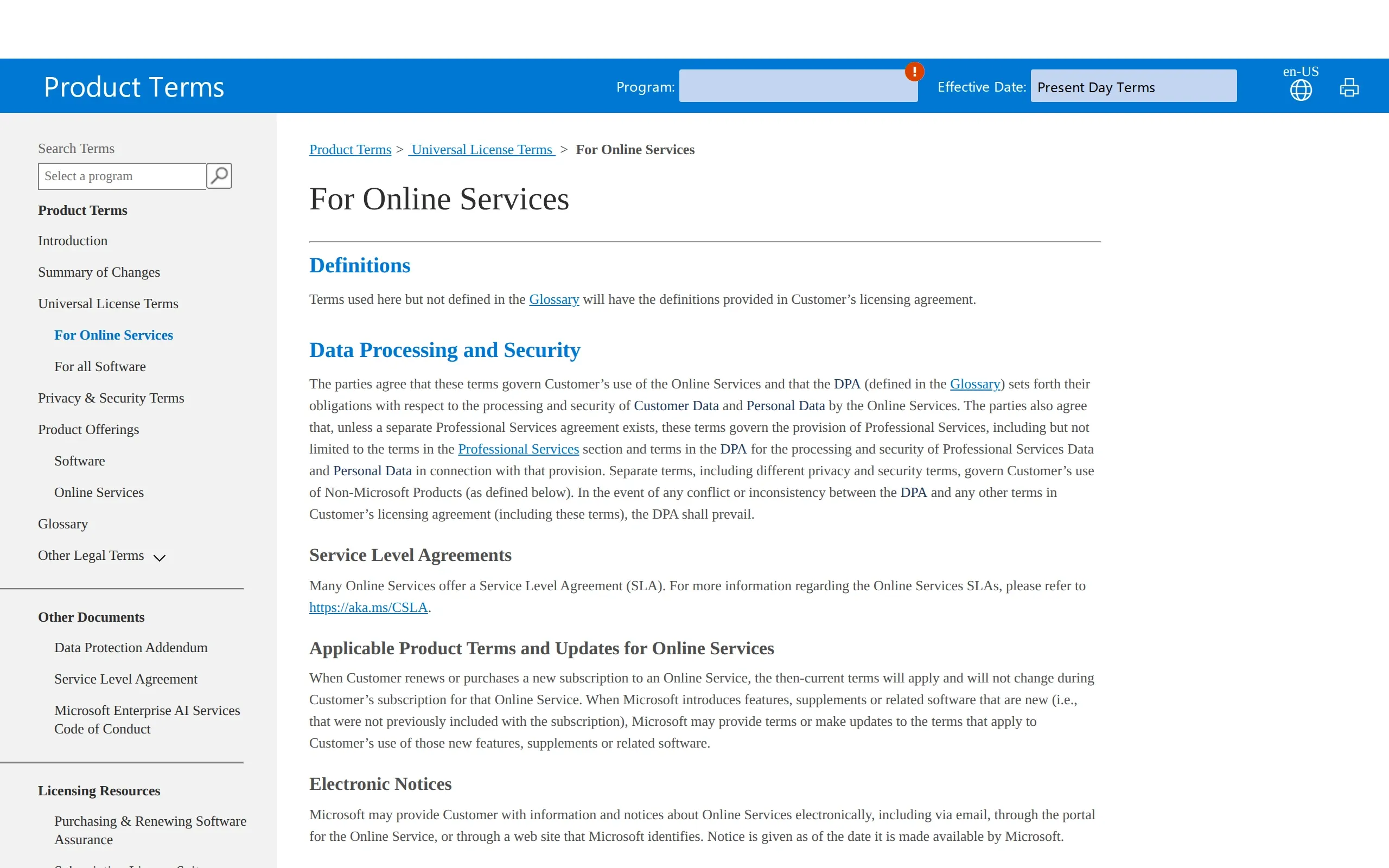
Fee-increase notice cut from 60 to 30 days.

Half the warning before a fee goes up, in an agreement few people reread.

How ChangeGuard helped

  • Comparison. One number changed in an agreement of about 18,000 words. The comparison found it and marked the two digits, so nobody had to reread the agreement.
  • AI summary. Gives the old and the new notice period and says nothing else changed, so legal can decide from the email.
  • Keywords. Watched for “notice” and “fee”. The clause is about fees, so it was flagged; while keywords are set, edits that mention neither stay quiet.
  • Rating. Likely substantial, so it opens the round-up email, ahead of minor edits on the set's other vendor terms.
The notice Stripe gives before increasing a fee or adding a new one went from at least 60 days to at least 30 days. The rest of the agreement did not change. Drag the divider to see the previous version.

What ChangeGuard does

  • The old and new wording side by side, with a paragraph that only moved shown as moved, not as deleted and retyped.
  • The email quotes the clause that changed, so a reviewer can often decide from the inbox.
  • New PDFs, Word documents and Excel spreadsheets a page links to appear in one list. When you review the page, you can save the list of its new documents as a spreadsheet.
  • Compare today's wording with an earlier version when a dispute needs it.

Start on Team , $149 a month, so the whole team can log in, with no charge per person.

Pages worth watching

The PDFs these pages link to

Pages people watch for this

Topics

Start with pages someone already picked.

A topic lists the public pages on this subject, each one checked by us, with the words that cause noise left out. Look at its pages in the app, pick the ones you want, and change anything after you add them.

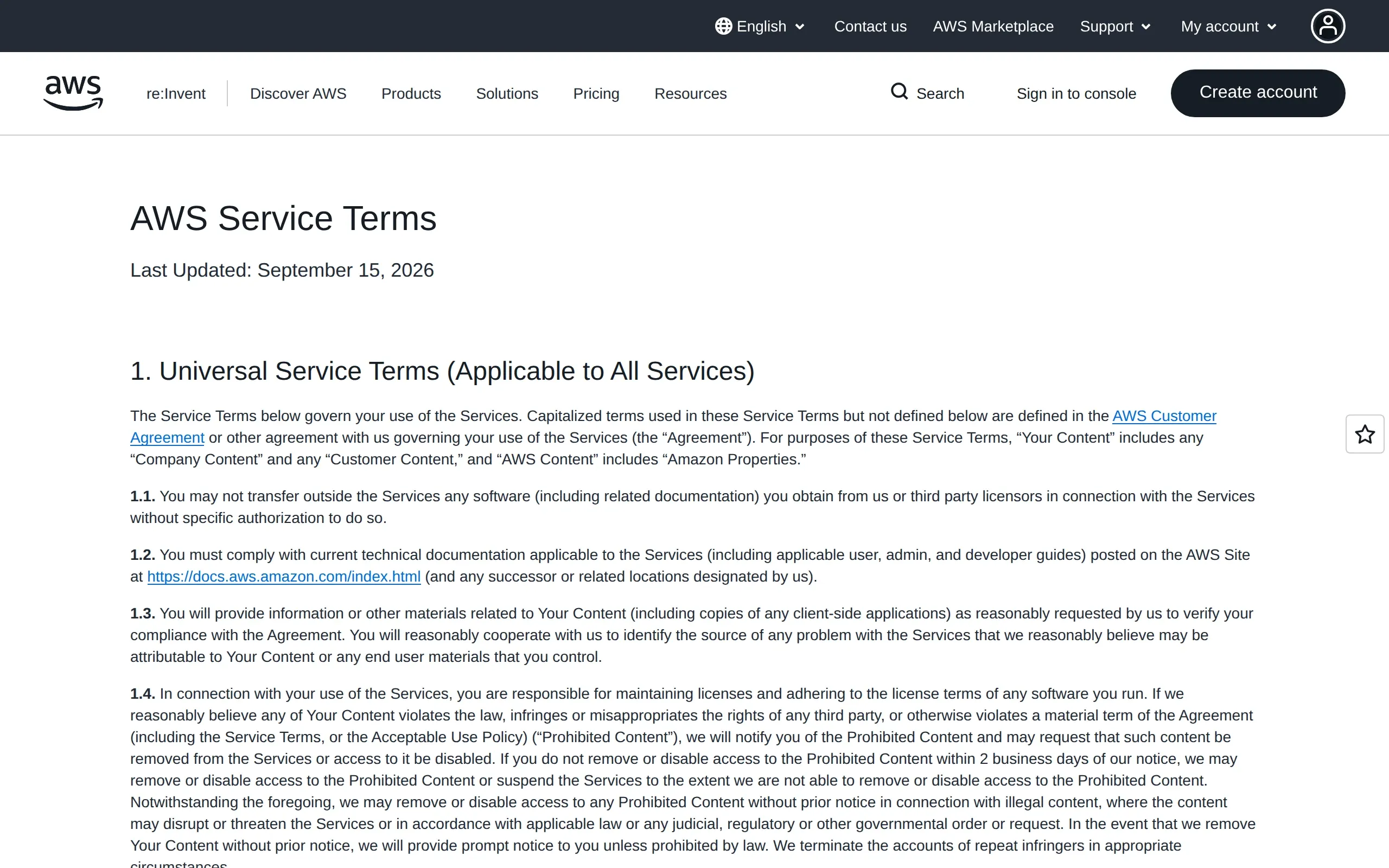
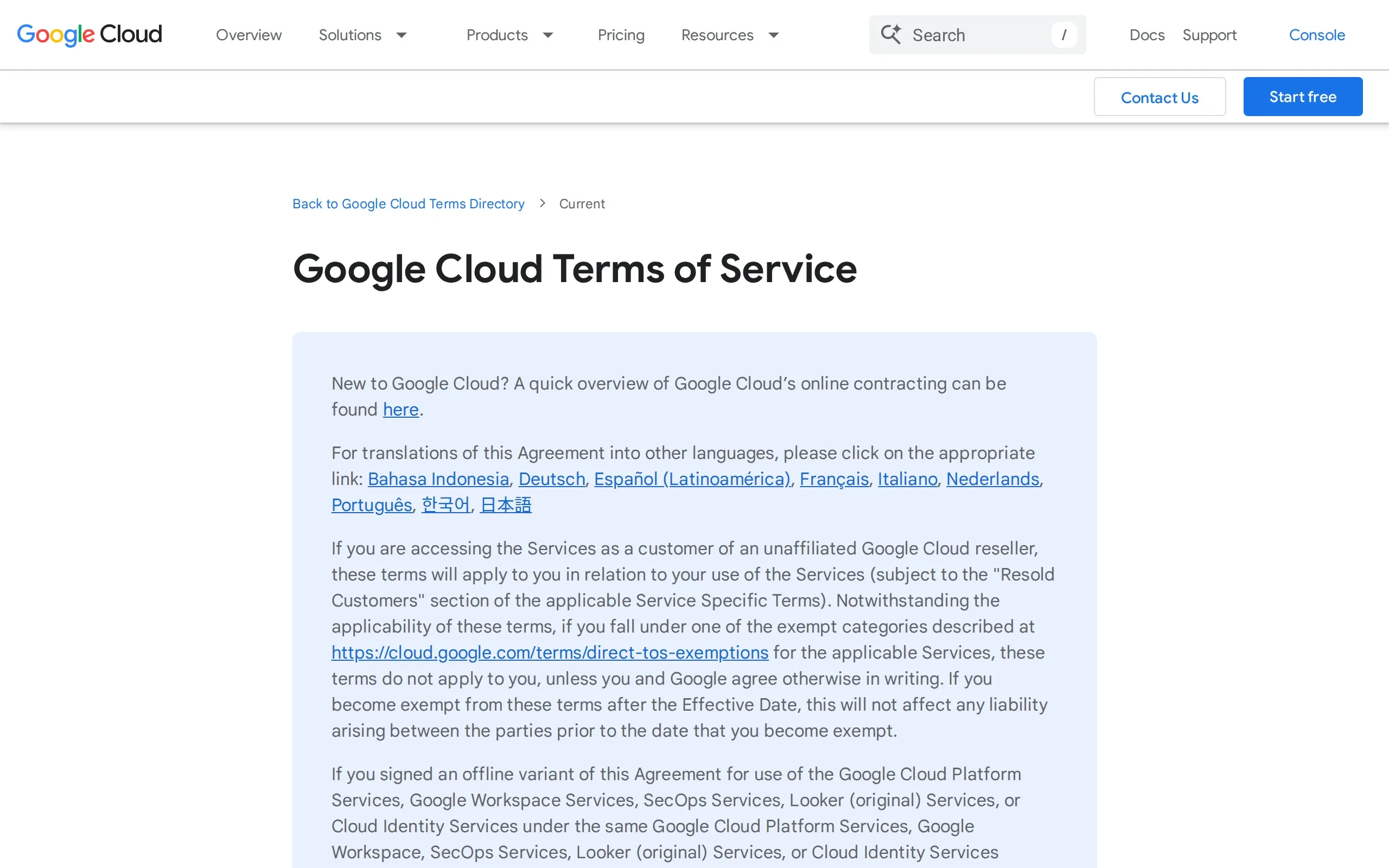
Vendor terms and subprocessors

The service terms and subprocessor lists of the business tools most teams rely on.

20 pages checked daily with Team and up

See the whole list

To hear only about what matters to you, add keywords such as “subprocessor”, “sub-processor”, “data processing”, “artificial intelligence”, “liability”.

See the Team plan

Topics come with Team and up: pick the pages you want in the app and add them to a new set or one you have. On Team already? Open this topic

See every topic No topic for your subject yet? Ask for a topic

Questions

Questions people ask

How do I track changes to a vendor's terms of service?

Add each vendor's terms page to a set that is checked daily or weekly: terms change rarely, so either is enough. When the wording changes, the email quotes the changed clause and the summary says what is different.

Can it show exactly which clause changed?

Yes. The old and new wording sit side by side with the changed words marked, and the email quotes the clause. A paragraph that only moved is shown as moved, not as deleted and retyped.

Can I compare today's terms with an older version?

Each page keeps its recent versions, so you can compare today's wording with an earlier one. Older versions are removed as new checks come in.

Which pages should a legal team watch?

Each vendor's service terms, data processing addendum, privacy policy and subprocessor list. The topic above starts with the most common ones.

Will a typo fix set off an alert?

Formatting changes, like spacing, punctuation or capital letters, are rated minor and listed after the substantial ones. You can also skip changes smaller than a size you choose.

Other use cases

Your first five pages, free.

Create an account, add the pages you already check by hand, and run the first check yourself.